
Easy Learning
Easy to Follow Instructions
Anytime Anywhere
Always Available Online Content
Learn As You Like
Take Your Time - Fast or Slow
Excellent tutorials. Very informative, clear directions, perfect pacing.

Gerard B.
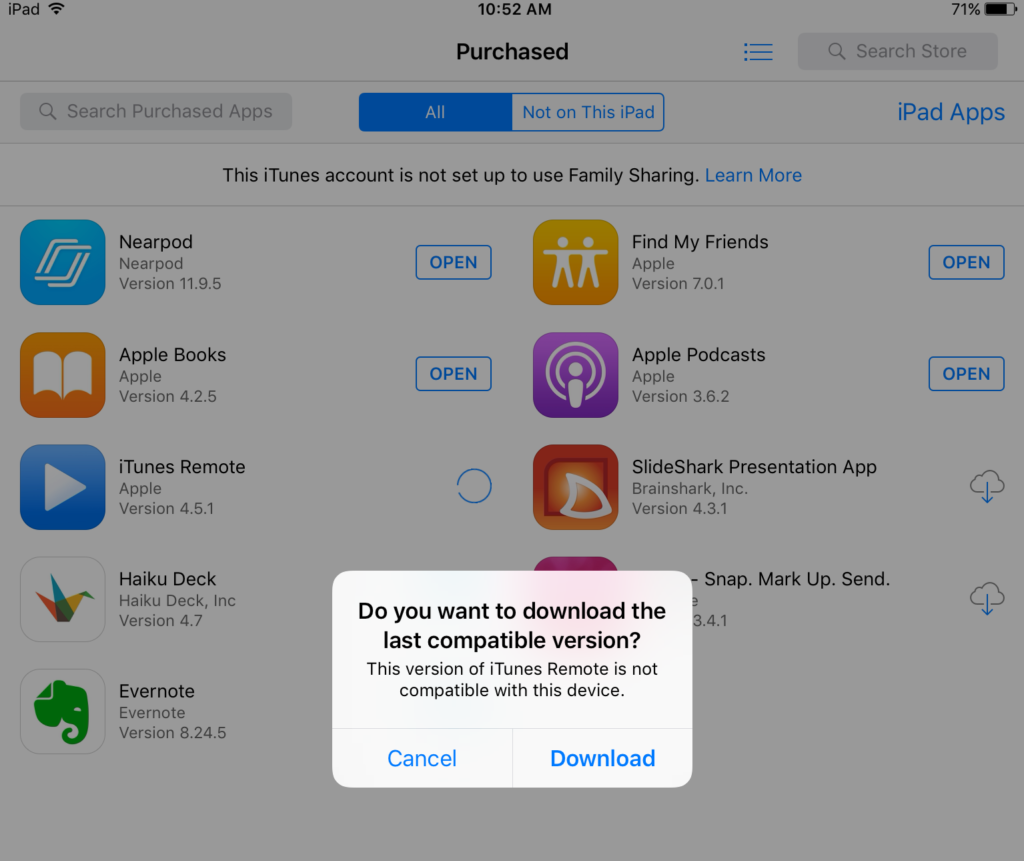
Most valuable: Just learning to download an app from the 'purchased' section of the app store - so simple. Plus all the other ways to find older versions of apps.

Cally B.
I just finished my iPad Academy course. I want to thank you for all your great tips. I am anxious to join your next class, when available.

Tom D.
Andy has been a long- time pioneer in use of the iPad. He has taught hundreds of people, via seminars, workshops, and personal coaching to enhance their use of the iPad. I've enrolled in this master class and I hope many of you will, too. Please pass this info along to any of your friends and/or colleagues who use an iPad and would like to become more proficient in its use.

Larry A.
That was great. I just have been pretending I knew what was what. Thanks.

Tracy U.